ai
Stop (Just) Prompting. Start Architecting.
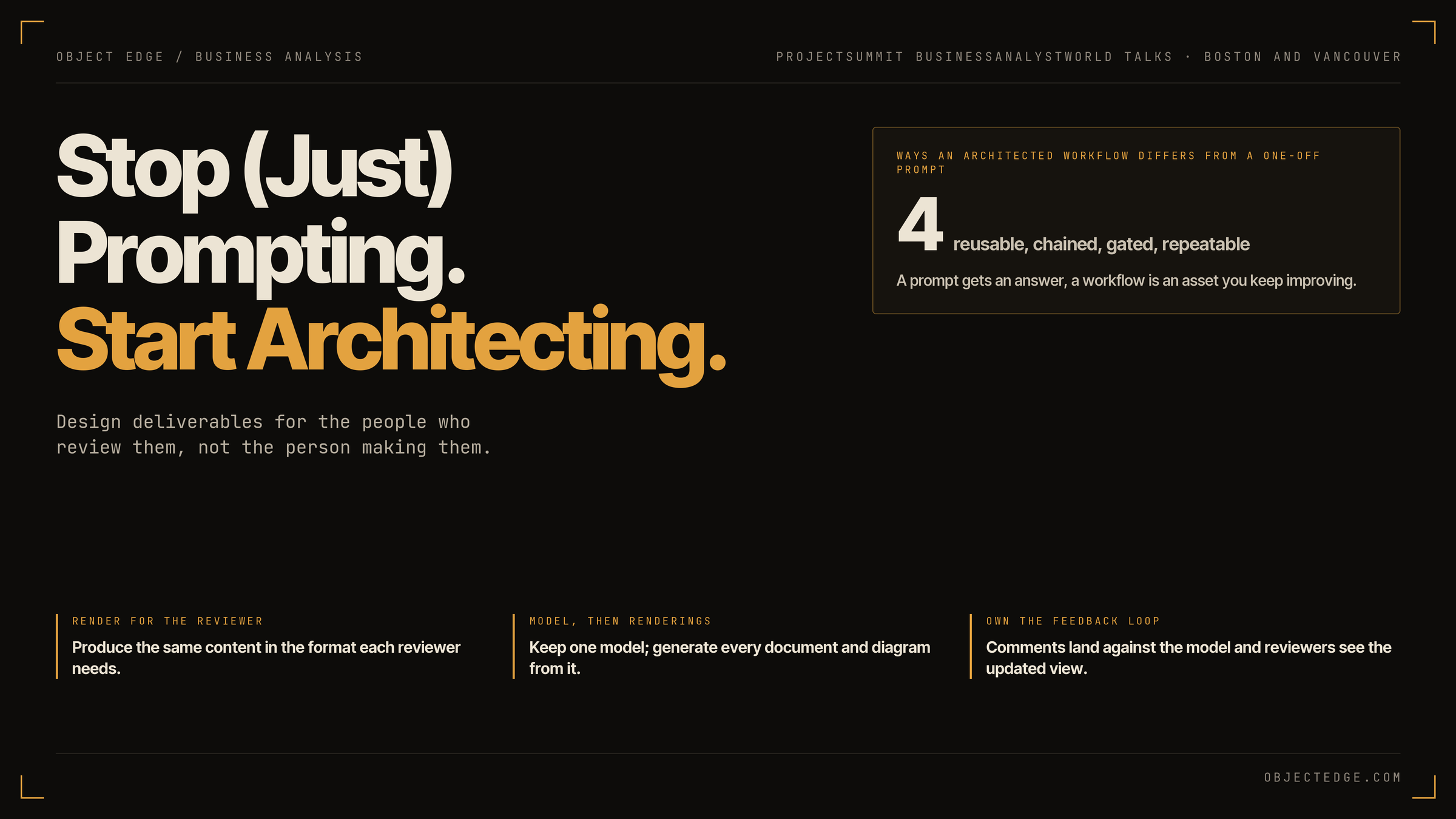
Design deliverables for the people who review them.
This year I spoke at ProjectSummit*BusinessAnalystWorld conferences in Boston and Vancouver on a topic I care about as a Business Analyst: how AI can change the way our stakeholders experience our deliverables, not just how fast we write them. The talk was called “Stop (just) Prompting. Start Architecting. — Design deliverables for the people who review them.” This post covers the main ideas and the two examples I showed.
The word in parentheses matters. I am not asking anyone to stop prompting or stop using AI. The point is to go beyond prompting, so the work you do with AI becomes something you can reuse, review and improve.
Three things stakeholders say
Most BAs have heard these after sending out a deliverable:
- “Can you just walk me through it instead?”
- “Wait, is this still current?”
- “I sent comments. Did those get in?”
And one thing they rarely say: “This was a pleasure to review.”
These sound like small communication issues. They are not a people problem either. Nobody involved is careless. Each one is a result of how our deliverables are built, and each one now has a practical fix.
1. Render where the stakeholder already is
When someone asks you to walk them through a document, they are usually not avoiding the work. Reading your deliverable means switching context, learning your notation and then judging whether it is right. Some people ask for a meeting. Others skim it, say “looks good,” and the gaps surface months later in user acceptance testing.
Part of the reason is that the tool usually picks the artifact. Some organizations expect a long, numbered requirements document. Others rely on Visio or Lucidchart swimlanes. Many do both and paste diagrams into a slide deck. We rarely choose these formats because they are the clearest for the reader. We choose them because the tool produces them and the template asks for them.
The artifact format then shapes the review experience, and the review experience shapes the quality of feedback you get.
That constraint is now optional. You can still follow the process and use the standard tools, and also produce the same content in the format each reviewer needs:
- A clickable web page for the subject matter expert
- A leveled spreadsheet for the delivery lead
- BPMN diagrams for the architect
- A single annotated slide for the executive sponsor
Design the deliverable for the person reviewing it, not the person making it.
2. Separate the model from the rendering
“Is this still current?” usually means: has what we discussed in the last session made it into the document? Often the honest answer is no. Producing these artifacts takes time, so we batch the updates. If discovery sessions run Monday to Thursday, Friday becomes documentation day, and Thursday’s attendees are still looking at Monday’s version.
Take a business process model as the example. The Visio flows, the requirements document and the steering deck are often treated as separate sources. Each one is updated by hand, and when one changes and the others don’t, they drift apart. This looks like a discipline problem. It is really an architecture problem.
The fix is to separate the model from its renderings. The model is a structured, plain statement of the process, kept in one place. BPMN diagrams, a requirements document, a web page and a slide deck are all generated from it. After a working session, you update the model and regenerate the views. There is one thing to version and one place for feedback to land.
Software went through the same change. Fifteen years ago, many e-commerce teams built a separate mobile site with its own code base. Responsive design replaced that with one page that renders for desktop and mobile. Business analysis can make the same move now, because AI makes it easy to keep the model and its renderings apart.
3. Own the feedback experience
“I sent comments. Did those get in?” costs trust twice. First when someone’s comment doesn’t visibly land. Then again when the diagram, the spreadsheet and the deck each say something slightly different and nobody can say which is right.
Feedback arrives in many ways: in meetings, as document comments, in chat, by email, sometimes in a separate file. None of these is wrong. But you no longer have to accept whatever the tool gives you. You can decide:
- What they open: a link, not an email attachment
- How they comment: inline, on the step they are looking at
- Where feedback lands: against the model, not in a thread
- What they see next: the updated view on the same link, with the status of their comment
The feedback loop is part of the deliverable.
From prompting to architecting
All three changes depend on one shift: architecting your work instead of only prompting. Separating the model from the rendering is itself an architecture decision. It is about how your work is structured, not about a feature of any tool. Until recently, building this kind of workflow needed a development team and a budget. Now a BA can do it.
A prompt is a one-off request. You ask, you get an answer, and the next person asks differently and gets something different. An architected workflow differs in four ways:
- Reusable. Your rules and checks are written once and saved. Claude calls this a skill; Gemini calls it a Gem.
- Chained. Each step’s output feeds the next, instead of one large request.
- Gated. You review the output at each step before the next one runs. This is where your judgment stays in the loop, and where you can bring in other reviewers.
- Repeatable. It runs the same way whoever uses it, and you can carry it to the next project.
A prompt gets you an answer. A workflow is an asset you keep improving.
Two examples from client work
At both conferences I showed two working demos from real client engagements, with the data scrambled. Neither was built with a single prompt. Both used saved skills, which is why I could rerun them on new data for the talk.
Example 1: Building a process model from discovery meetings
The goal was to document a quote-to-cash process after several discovery meetings with subject matter experts. Each step was a Claude skill:
- Transcripts from the discovery sessions.
- Process narrative extracted from the transcripts, including pain points and conflicts. This is a review gate.
- Spreadsheet model of the teams and process steps. This is the model, and a second review gate.
- Interactive web page rendered from the model, where reviewers drill into each level and comment directly on a step.
Because every view is generated from the spreadsheet, changes discussed in a meeting showed up almost immediately. After documenting the current state, we used the same skills in a working session to design the future state together, instead of waiting a week for revised diagrams.
Example 2: Analyzing user survey feedback
We had collected user feedback on a business application through a Google Form. The raw responses were cleaned and organized in a spreadsheet, then rendered as an interactive page showing feedback by area. We also added a friction score calculator so stakeholders could adjust the weights and see how the ranking of problem areas changed.
As raw form results, the survey was reviewed by one or two assigned people. In this form, more people engaged with it and worked together on the problem areas.
Both examples follow the same pattern. The spreadsheet is the model, the web page is the rendering, and the review experience is designed for the stakeholder.
What is still your job
Some parts of the work don’t change:
- Getting the real story. The model is only as good as what you learn from the people in the room. Nothing here replaces that conversation.
- Validating the model. A wrong process model that looks polished is worse than a rough one, because people trust it.
- Knowing when the standard artifact is needed. Audits, regulatory requirements and downstream systems may require a specific format. Keep producing it. With the model separate from its renderings, that view is cheap to generate alongside the others.
Where to start
- Pick one deliverable where the stakeholder experience matters, such as one with a wide audience or one meant to bring people together around a decision.
- Write down how you make it today: the rules, the checks, and what you would tell a new analyst.
- Build it once in the AI tool you already use, whether that is Claude, Gemini, ChatGPT or Copilot. It doesn’t need to be perfect. Use it on live work.
- Fix it when it fails, and keep improving it. Make changes in a structured way so you can reuse it on the next project without breaking what already works.
You still follow the process and use the tools you inherited. They exist for good reasons. The difference is that the tool no longer decides the format, the review experience or the feedback loop. You do, and it no longer takes a development team to make that change.
Related articles
-
ai
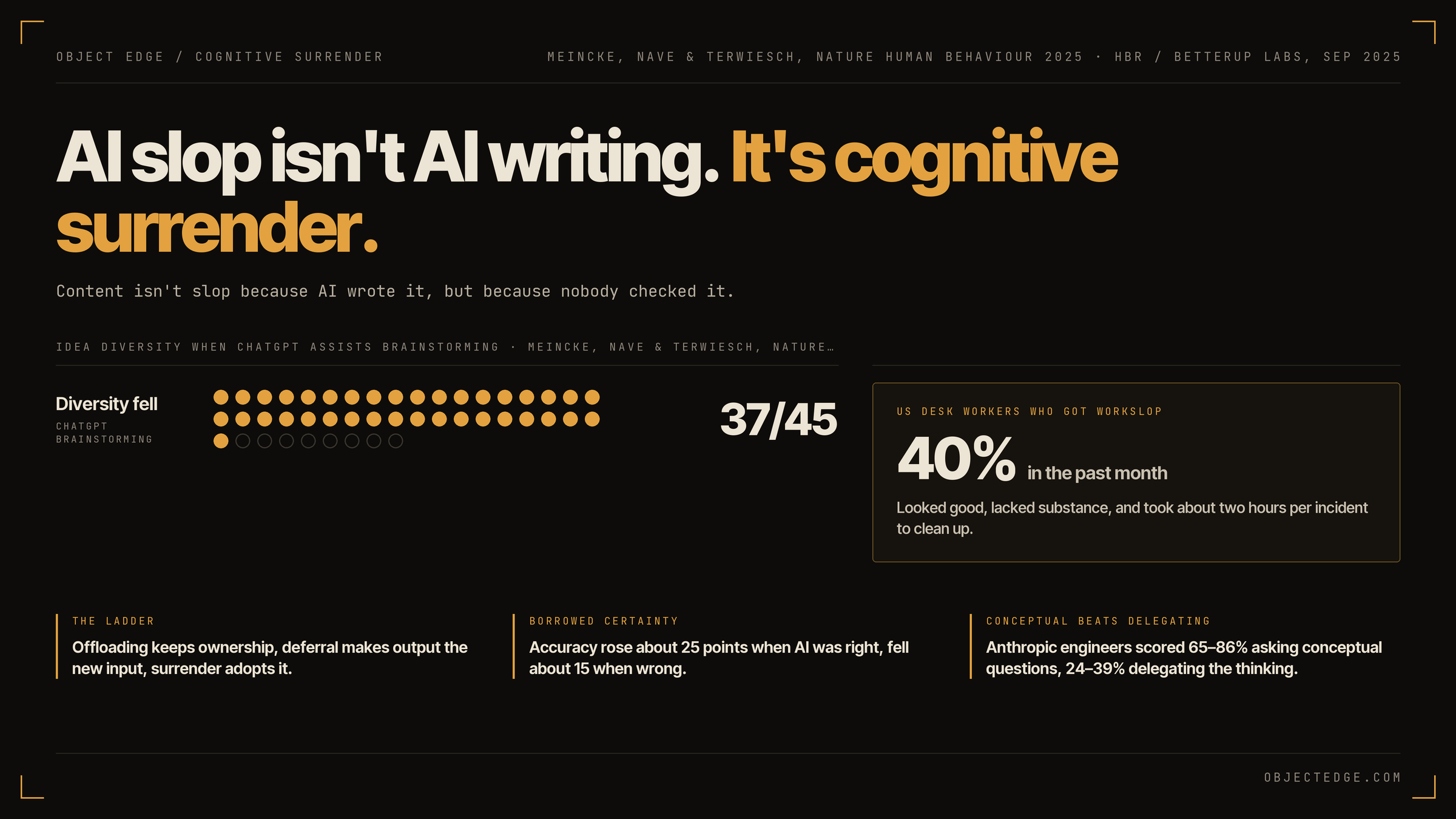
AI slop isn't AI writing. It's cognitive surrender.
AI writing is efficiency; slop is cognitive surrender. What the research from Osmani, Shaw and Nave says about keeping your own judgment when using AI.
-
ai
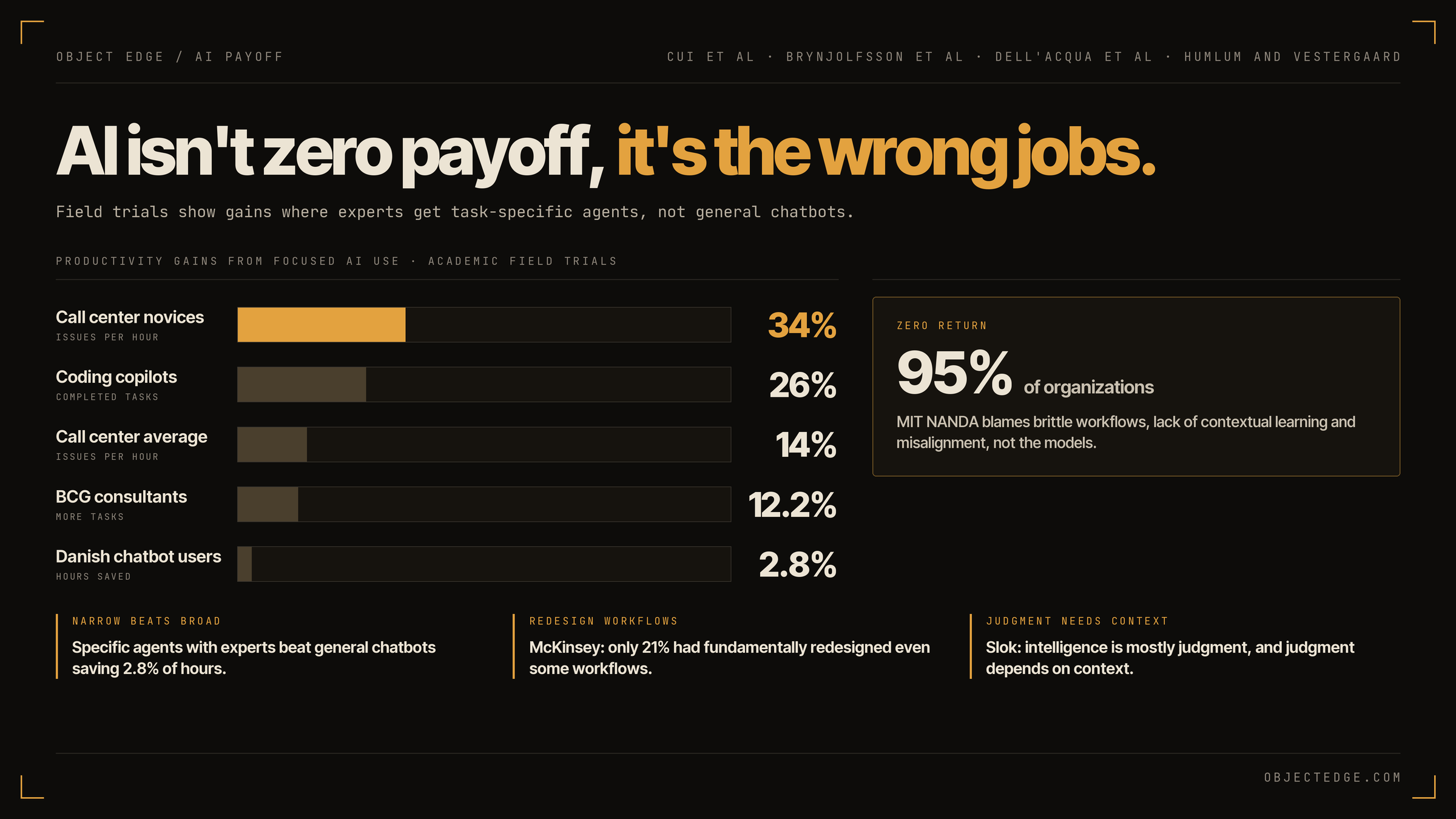
AI isn't delivering zero payoff. It's being handed the wrong jobs.
"Despite massive investments and widespread hype around artificial intelligence, the technology has delivered zero financial payoff to corporate America
-
ai
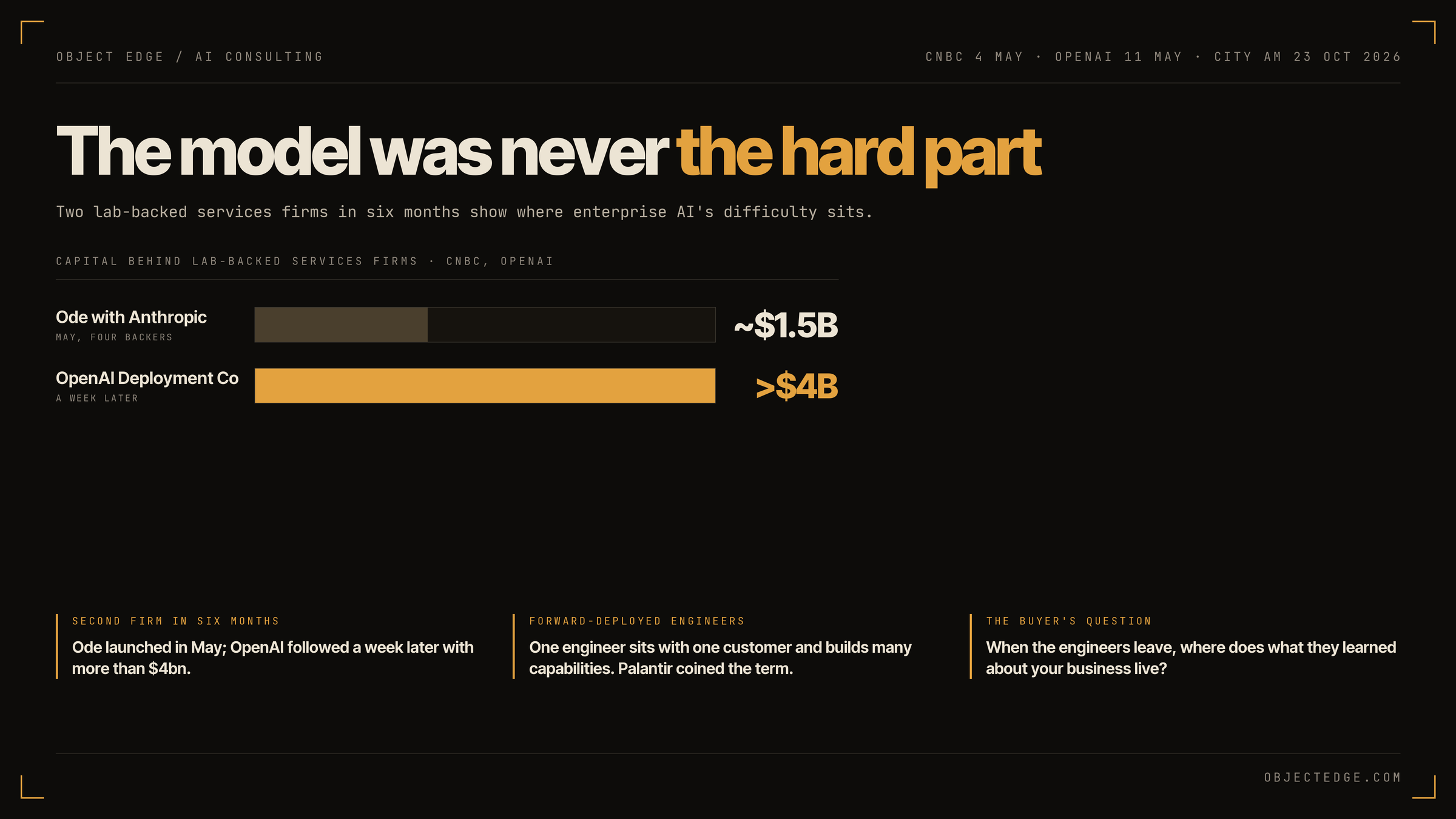
Anthropic is reportedly building a consultancy. The model was never the hard part.
Anthropic and Hg, the UK buyout group, are reportedly creating an independent company that will embed AI consultants and engineers inside European businesses